
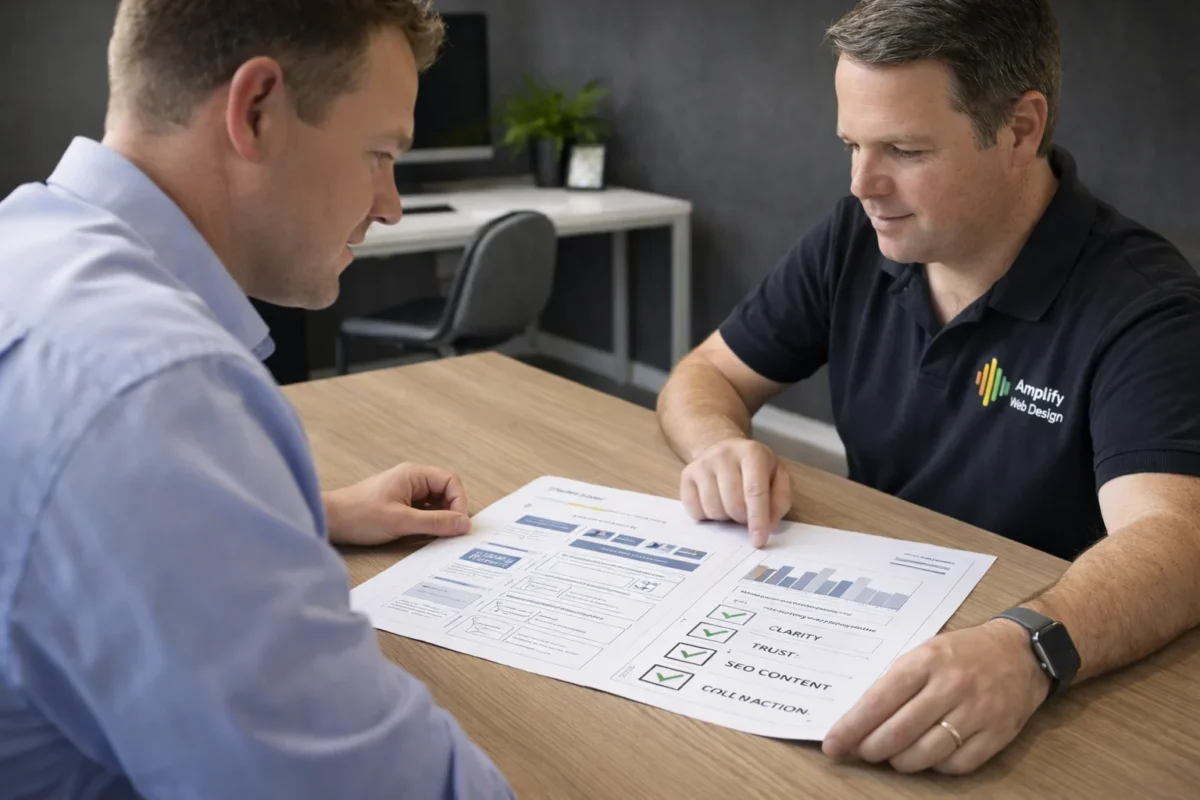
Written by Luke Bayly, a digital strategist with 9+ years’ experience in web design and SEO. With a background in Engineering and Finance, Luke approaches small business websites as structured digital systems built for clarity, trust, and measurable outcomes.
If you’re a small business owner, you’ve probably had this moment: You look at your website and think, “It’s… fine.” It looks professional enough. It has your logo. It says what you do. It even has a contact form. Yet, while you are getting traffic to the site, the enquiries don’t feel consistent. Google visibility is patchy and people call with the wrong expectations. Or worse: you’re paying for “SEO” and can’t tell if anything is actually improving.
That’s the key problem with web design for small business: most sites don’t fail loudly, they fail quietly by under-converting, under-ranking, and creating just enough confusion that customers hesitate. It is the proverbial death by 1000 cuts that leads to missing your key opportunities.
We decided that having seen this pattern for so many years to try and help educate those willing to listen. Not as a hype piece and not as a checklist for the sake of it. Your website is your businesses digital asset and you need to know enough so you can make decisions with less guesswork and less wasted money.
We cover:
- a clear definition of what a small business website is supposed to do
- a simple way to know if you should choose between DIY, templates, and custom builds
- practical guardrails around cost, timelines, risk, and “what you’re actually buying”
- the SEO foundations that should be built into the design (not bolted on later)
- and an easy way to evaluate agencies without getting trapped in jargon (by asking them the right questions)
What web design for small business actually means
A small business website is not a digital brochure. A brochure sits on a counter and hopes someone reads it. A website is actually the hub of your online marketing system. It’s meant to do work while you’re busy running the business by acting as the 24hr salesperson of your services (or product).
At a minimum, web design for small business is the process of building a site that can:
- help the right customer understand what you do
- reduce their uncertainty enough to trust you
- make the next step easy (call, book, enquire, buy)
And if you can get all that right, then you also need to have Google understand, trust and connect you with those customers searching for your products.
That might sound obvious, but most websites are built in reverse:
- design first
- content later
- trust “somewhere”
- SEO “eventually”
- tracking “if we remember”
What does this mean for a small business owner?
It means your website should be treated like an asset that produces outcomes, not a visual project to “get done.” If the site isn’t producing outcomes, you don’t just need a new homepage banner or a sprinkling of magical keywords. You need to look at the system as a whole including:
- how visitors arrive
- what they see first
- what makes them trust you
- what makes them act
- what Google can interpret clearly
A useful way to start is to define the job your website needs to do. Most small business sites fall into one of four jobs:
- Lead generation (calls, quote requests, enquiries)
- Bookings (appointments, consultations, classes)
- E-commerce (products, checkout, delivery)
- Verification (people already know you; the site confirms you’re credible)
If you don’t decide the job, your site will try to do all four, and it becomes vague. From our experience, vague websites don’t convert.
Why Good-Looking Websites Often Fail Small Businesses
Here’s a pattern we’ve seen more than once: A business owner chooses a nice template. The site looks modern. It feels “done.” Then six months later, they’re asking why they aren’t showing up on Google or why website visitors aren’t converting to paid customers?
What’s happening isn’t mysterious. It’s structural.
Templates often fail in three predictable ways.
1) Templates give you a visual feel, but not SEO depth
Most template sites look polished, but their content structure is usually shallow because that’s not why they were originally built:
- headings aren’t structured cleanly as a customer flow (H1/H2/H3)
- links to key pages are missing or buried
- internal linking is random or absent
- content reads like generic filler instead of matching real search intent
Google is not “reading” your site like a human. It’s interpreting structure, context, and signals of meaning. If the structure is weak, you can have beautiful design and still be invisible.
2) Templates assume trust instead of building it
Small business customers are cautious. Even when they want what you sell, they’re asking themselves:
- Is this business legitimate?
- Are they experienced?
- Do people like working with them?
- Will this be a hassle?
That’s why the “trust stack” matters. A trust stack looks like:
- A clear about page with real substance and brand voice
- Recent testimonials and proof
- Showing a Clear process and expectation of the client experience
- Signs that you’re real (photos, location, credentials, story)
A surprising number of template sites skip this. The trap people fall into is just in going through the motions of the template and adjusting without ever stepping back to look. Once you read it through with a “customers view”, you can start to see the areas and sections missing and address them. A template is by definition generic. It is your role to make it feel like your brand!
3) Templates aren’t designed like landing pages
A landing page guides a decision. Most templates simply display information.
A working homepage usually follows a basic logic:
clarity → proof → pathway
A template homepage often follows:
pretty → scrolling → bland
We’ve seen multiple businesses with decent traffic but low enquiries. When we look closer, the issue isn’t traffic—it’s friction and uncertainty. The visitor never gets a moment of “Yes, this is exactly for me.” No proof hits early and the Call to Action (CTA) is weak. The services are listed but not explained, so the visitor leaves. If you can’t create a vision in the mind of the customer of doing business with you and then show them the pathway “how to make it real”, then you have already lost!
What does this mean for a small business owner?
If your website looks good but isn’t producing leads, don’t assume “SEO isn’t working.”
More often, the site is missing the structural ingredients that allow the SEO and conversion to work effectively.
Template, free builder, or custom build: how to choose what suits your business
This decision becomes easier when you stop thinking in terms of “website type” and start thinking in terms of how customers find you.
Here’s the diagnostic question:
Are customers searching for you by name… or by service?
- If customers find you by name (referrals, word of mouth), a simple site can work.
- If customers find you by searching (Google, maps, “near me”), you need a structure designed for search optimisation.
That’s the dividing line that we use to guide our clients.
Where DIY and free options genuinely make sense
DIY is not “bad.” It’s just limited.
DIY/free builders can be a good choice when:
- you need a simple online presence quickly to send people via a link
- you’re validating an offer (bootstrapping your business plan)
- your leads come mostly from referrals (think highly custom industries)
- the website is mainly for credibility checks
- you don’t need to rank for multiple services
In that situation, a clean template site that loads well and has clear contact details can be enough.
The trade-offs of “free web design for small business”
The hidden cost of “free” is rarely money. It’s typically control and time.
Common trade-offs include:
- you can’t use a proper domain without upgrading
- the platform branding remains visible which diminishes professional trust
- SEO settings are limited if available at all
- the structure is difficult to scale in the future
- you end up rebuilding later anyway (which is ok if you are just bootstrapping now)
A free site can still be a smart move if your business only needs a verification presence and you accept the limitations upfront. It really is your call.
Practical thresholds that tell you to upgrade
If any of these are true, professional web design usually becomes worth it:
- you want people to find you for core services on Google (beyond word of mouth)
- you offer multiple services (and people search for them separately)
- you cover multiple locations
- you need booking flows or forms to convert traffic into customers
- you want SEO landing pages that match search intent
- you want content growth (articles, guides, FAQs) to build authority
What does this mean for a small business owner?
If your website is part of your lead generation engine, DIY often becomes the expensive option because it costs you time and missed enquiries.
A simple decision ladder you can use:
- Start simple if you only need verification
- Build structure if you need search visibility
- Expand architecture when you scale services, locations, or content
How to Choose a Website Platform Without Getting Trapped
Ok, so now that you have decided to enlist the help of a digital agency, this part matters more than many owners realise.
A website platform isn’t just about features. It’s about:
- who controls the asset
- how easily you can move if something goes wrong
- whether the site can evolve as the business grows
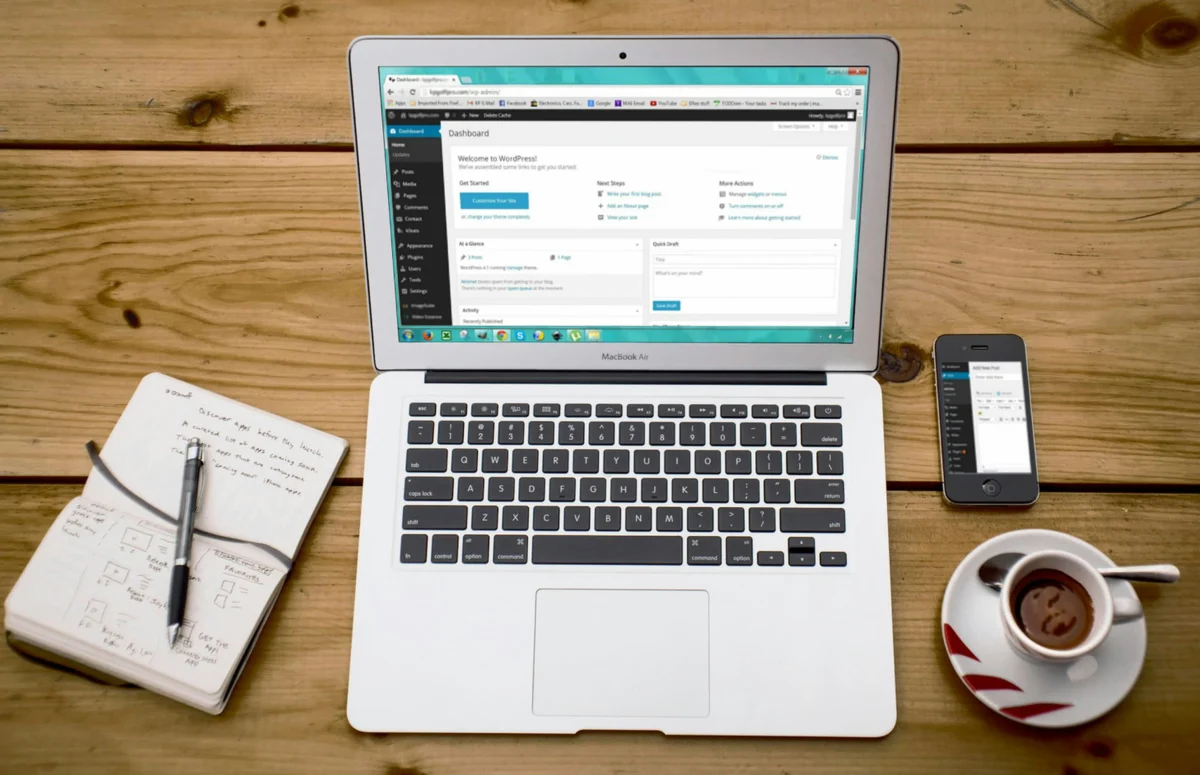
Our default position for many small businesses is WordPress.
Not because it’s trendy (which it is not), but because it’s widely supported, fully flexible and portable.
One of the best outcomes for a small business owner is knowing:
“If I ever need to change agencies, I can do this easily.”
Ownership and portability should be documented
Here’s the non-negotiable standard you need to enforce with an agency. You need to ensure you discuss and have access to these critical ownership features of your website including:
- you own the domain (for .com.au, it should be linked to your ABN)
- you have admin access
- you own your content
- you can obtain backups
- you can move hosting if required
If someone builds a site you can’t control, you don’t have a website, you have a dependency.
What does this mean for a small business owner?
When the relationship with an agency is healthy, you should still be able to leave cleanly. It happens all the time when good business owners decided to test and adjust their strategy including whether their current agency is effective or not. We know of some who have moved away and then returned to the agency when they actually find they were getting a good experience all along. There are no hard feelings to do so, and we see sites move all the time. But to do this properly, you need to ensure ownership clarity to reduces stress and pricing ambiguity.
The minimum viable business website
There are times where an Agency will not just “do” a website for you. It is highly dependent on your budget and the outcomes you are looking for. This might surprise people, but we often recommend a smaller build done properly rather than a larger build done thinly.
Our minimum acceptable scope is:
- Homepage (built like a landing page)
- About page
- Contact page
That is the baseline required for credibility and basic SEO value.
We refuse to launch without About and Contact pages because they do more than “fill navigation.” They answer the questions customers and Google are already asking:
- Who is behind this business?
- Can I trust them?
- How do I reach them easily?
We once had an enquiry who wanted a “pretty” one-page site to sell artwork and photos, thinking that it would be cheaper not to pay for the about and contact pages. We recommended adding the human story and authority behind the work because buyers wanted to know the artist. They didn’t want to do that, so we politely declined the work.
Not because one-page sites are always wrong, but because in that case, the missing trust would have damaged outcomes. As a digital agency, it is our role to ensure the client gets what they need from the site, not just to push pixels around.
What does this mean for a small business owner?
A cheap website that can’t build trust or rank is not “cheap.”
It’s just deferred cost—because you’ll rebuild it after months of frustration.

The small business website blueprint that converts
A website that converts isn’t loud. It’s clear. Clarity is what reduces hesitation.
A conversion-first homepage tends to follow a rhythm such as:
- Clear headline that says what you do and who it’s for
- Support line that clarifies the outcome
- Primary CTA that is easy to act on
- Proof early (testimonials, results, credibility)
- Service clarity with pathways to deeper pages
- How it works (simple process)
- Objection handling (the questions people hesitate on)
- Final CTA with low pressure
It’s not a gimmick. It’s decision engineering and if you can’t understand what the business clearly does in 5 seconds, it’s a fail.
What does this mean for a small business owner?
If you’re getting traffic but not enquiries, the fastest wins often come from:
- improving the first 5 seconds of clarity in the Hero section
- adding proof earlier (testimonials, reviews etc.)
- simplifying the path to contact (adding CTA buttons)
- rewriting confusing service explanations from a customer view
We’ve seen businesses spend money on SEO and ads while the homepage fails to answer basic questions quickly. When we fix messaging and trust structure first, conversion rates often improve even before rankings change because the same traffic starts performing better.
SEO foundations that should be designed in, not bolted on
Let’s define something clearly: SEO foundations are the structural choices that make your website understandable and rankable: page architecture, headings, internal links, intent-aligned content, and clean technical execution.
Most failed SEO campaigns share a common cause: they’re trying to rank content on a site that isn’t structurally designed for SEO. If the website is unclear, SEO becomes inefficient.
How we decide what becomes a page vs a section
Top-level pages usually include:
- homepage
- about
- contact
- core service pages
A topic becomes its own page when it has enough weight and demand that it can support a cluster of supporting content.
Example: If “website design” is a core service, and you can write supporting articles that link back to it (pricing clarity, timelines, rebuild risks, platform decisions, checklists), it deserves a primary service page.
Internal linking: the quiet lever most sites ignore
Internal links help Google interpret what matters and help users explore your site logically.
Good internal linking uses meaningful anchor text like:
- “small business website design process”
- “conversion-focused website design”
- “SEO-friendly site structure”
What does this mean for a small business owner?
If your site doesn’t have clear service pages and internal links, SEO efforts will feel slow and vague—because Google isn’t being given a clean structure to reward.
If you’d like clarity on whether your site structure supports SEO, an SEO audit of your current site is often more useful than another generic SEO proposal.
How to evaluate a web design agency without getting confused
Pricing confusion happens when the deliverables are vague. Most owners get quoted for “a website,” but don’t know what “done” means.
Here’s an easy, practical way to assess an agency:
1) Scope clarity: what are you actually receiving?
Ask:
- How much does a small business website cost?
- how many pages are included?
- are service pages included?
- who writes content?
- what SEO setup is included (titles, structure, internal linking)?
- is tracking installed?
- how many revisions are included?
2) Ownership clarity: will you be trapped?
Ask:
- do I own the domain?
- will I have admin access?
- can I obtain backups?
- can the site be moved?
- will you give me training in how to use my website?
3) Post-launch clarity: what happens next?
Ask:
- is a website maintenance and security plan included?
- how are backups handled?
- what security work is done?
- do we measure anything after launch?
The trade-off with “cheapest option”
If someone insists on the cheapest possible build, the project often loses value before it starts because quality requires time. We don’t do a five-page site for a price that doesn’t allow it to be done properly. If the budget is limited, we’d rather build three pages well, then expand later.
What does this mean for a small business owner?
Value isn’t about being cheap. It’s about reducing uncertainty and building an asset that works. Start on solid foundations with the budget that you have, and then in future, you can build onto that foundation with service pages, product pages etc. to expand your digital footprint.
If you’d like clarity before spending anything, a good agency should be able to show you a transparent scope + timeline and explain what’s included (and what isn’t) in plain language.
How Long Does Web Design for Small Business Take to Deliver Results?
A website launch is not a finish line. It’s the beginning of your site, but how long does it take until you actually see the intended results?
This varies by niche:
- sometimes results improve in 2–3 months
- sometimes it takes 6–12 months
What changes the outcome is not “luck.” It’s:
- the competitiveness of your market
- the quality of your site structure
- ongoing clarity improvements (content, internal linking, proof)
If you are a new plumber in the heart of Melbourne, then get ready to spend thousands on your website just to be able to compete in that market and have it take years to generate leads. If you however are knitting socks for chickens in Dubbo, then you are almost guaranteed to rank on page 1 of google in 2-3 weeks with just a simple 3 page website. Your agency should be able to step you through what the marketplace looks like and if they can’t, then find one with the right experience.
What does this mean for a small business owner?
If anyone promises fast SEO results without understanding your competitors and your structure, be cautious. A better promise is: “We’ll build the foundations correctly, measure the right things, and improve systematically.” If you need short term results fast, then consider paid advertising through google or meta IN ADDITION to the SEO which will set you up over the long run.
FAQ: Web design for small business
Is there such a thing as free web design for small business?
Yes, but free platforms usually involve trade-offs like limited domain control, platform branding, and restricted SEO flexibility. Free can be sensible for verification sites or early validation.
What’s the best web design for small business: template or custom?
Templates can work for simple needs. Custom builds are usually better when you need Google visibility, service pages, local SEO, and conversion tuning.
How do I create a website for business for free?
You can use free builders or Google Sites to publish a minimal presence and link it from your Google Business Profile. Upgrade when search visibility and lead generation matter.
What’s the best free website builder for small business?
It depends on your goals. If you need a custom domain and scalable SEO control, most free plans become limiting quickly.
How do I create a website for business on Google?
Some owners mean Google Sites. Others mean improving their Google Business Profile with proper links and actions. Both can help, but neither replaces a full website system in competitive niches.
Does my small business need a website if I already have social media?
Yes. Social media is rented. Your website is owned. A website gives you control over messaging, proof, SEO, and conversions.
How long does small business website design take?
A typical build is 4–8 weeks depending on scope, content readiness, and feedback cycles. SEO-driven sites may take longer because structure and content planning matter.
Key Takeaways
- Web design for small business is a system, not a brochure.
- Templates often fail due to weak SEO structure, missing trust signals, and poor conversion flow.
- DIY is fine for verification sites. If customers search for your services, structure matters.
- A minimum credible site usually needs Homepage + About + Contact, plus tracking and mobile testing.
- SEO foundations should be built into architecture: pages, headings, internal links, and intent alignment.
- Evaluate agencies using scope clarity, ownership clarity, and post-launch clarity—not buzzwords.
- Real results come from structured improvements over time, not one-off launches.
If you’d like clarity after reading this, the next sensible step is reviewing a transparent Web Design service page that explains scope, ownership, process, and what “done” means without vague promises.